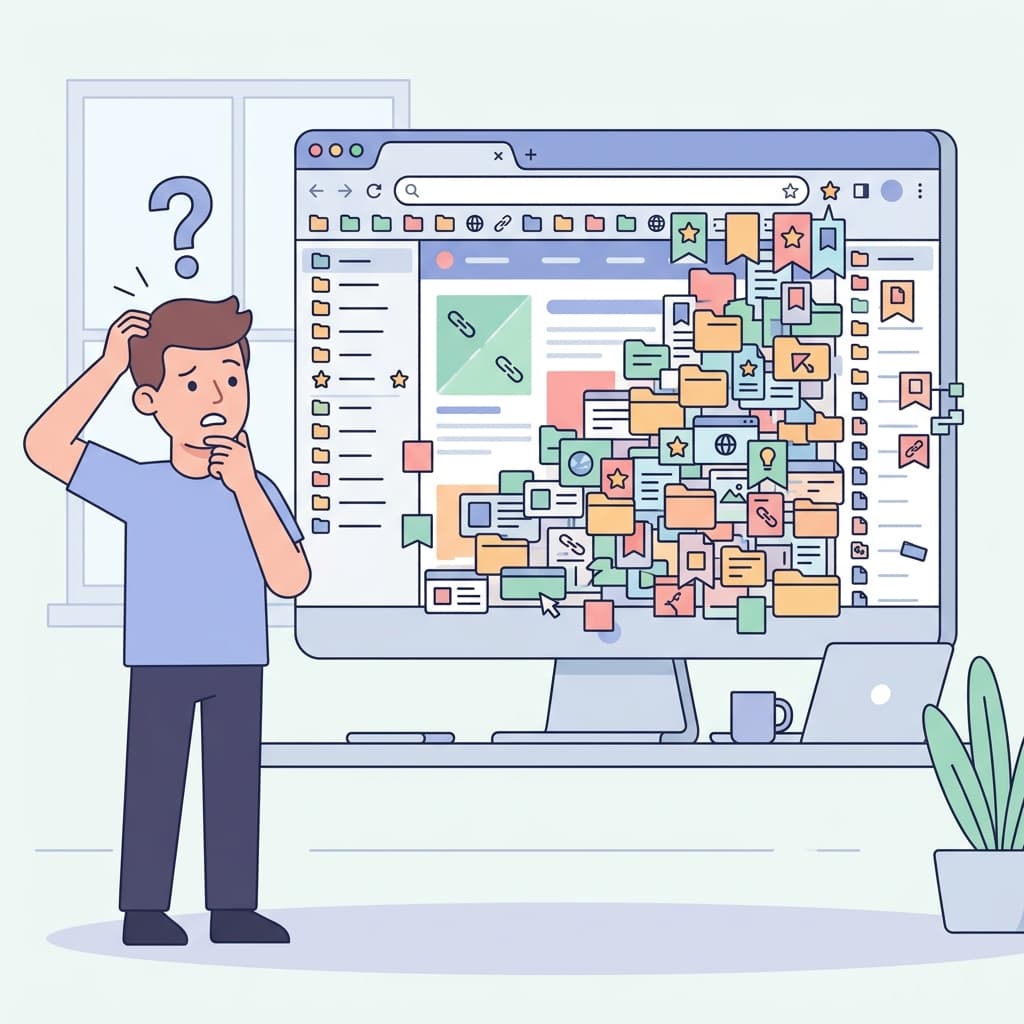
The Relic in Your Browser
Look at the top right corner of your web browser right now. You will almost certainly see a small star icon. This is the universal, universally-understood symbol for bookmarking, a feature that was introduced in the very early days of the consumer web (specifically, around 1993 in the classic Mosaic browser). Remarkably, while the web itself has evolved from simple, static text pages into complex, dynamic, and interactive applications, the humble bookmark has remained almost entirely unchanged for nearly three decades.
But while the bookmark hasn't changed, the way we consume, process, and rely on digital information has changed exponentially. We aren't just saving a few favorite websites or a funny image anymore; we are conducting deep academic research, tracking industry competitors, studying for advanced degrees, and meticulously curating personal knowledge bases. The tools we use need to reflect this massive shift in user behavior.
The Glaring Symptoms of a Broken System
How do you know if your current bookmarking system is actively failing you? It's usually pretty obvious once you know what to look for. Look closely for these common symptoms in your daily workflow:
- Tab Hoarding: You keep dozens (or perhaps even hundreds) of tabs open across multiple windows because you are genuinely afraid that if you bookmark them and close them, you will simply never look at them again. If this sounds like you, check out our dedicated article on The Problem with 47 Open Tabs to learn how to break the habit.
- The "Read Later" Graveyard: You have a dedicated folder, or perhaps even a paid third-party app, specifically for things you genuinely intend to read later. However, over time, it has devolved into a massive dumping ground of neglected content that only induces guilt when you look at it.
- Link Rot and Dead Ends: You finally dig up a bookmark you saved two years ago for a specific project, only to click it and find a frustrating 404 Error because the page moved, the site redesigned, or the server shut down entirely.
Moving Beyond the URL
The fundamental, inescapable issue is that a traditional bookmark only records a URL address and a basic page title. It categorically does not record meaning. To build a system that scales with your knowledge and career, you need to radically upgrade your tools and your approach to saving information on the internet.
Enter URL Intelligence
Modern knowledge management requires stepping into what we call URL Intelligence. To learn exactly how this works under the hood, read What Is URL Intelligence and Why Should You Care?. This concept means that when you save a page, your chosen tool should do far more than just passively record the web address. An intelligent system should actively work for you by:
- Analyzing the content: It should automatically extract the core topics, strip away distracting advertisements, and generate a concise summary of the page's actual text.
- Capturing your intent: It should explicitly prompt you to quickly note why this specific page caught your attention in that exact moment.
- Preserving the state: It should ideally save a snapshot or the core textual content so you don't fall victim to link rot months down the line.
By upgrading from static, dumb bookmarks to an intelligent link management workflow, you transform your browser from a leaky bucket into a powerful, reliable second brain. It is time to stop hoarding endless tabs, stop feeling guilty about your reading queue, and start actively curating knowledge that will serve you for years to come.
Tired of losing important links?
Join thousands of researchers and professionals who use LinkGaze to save, organize, and understand their online reading.
Get started for free