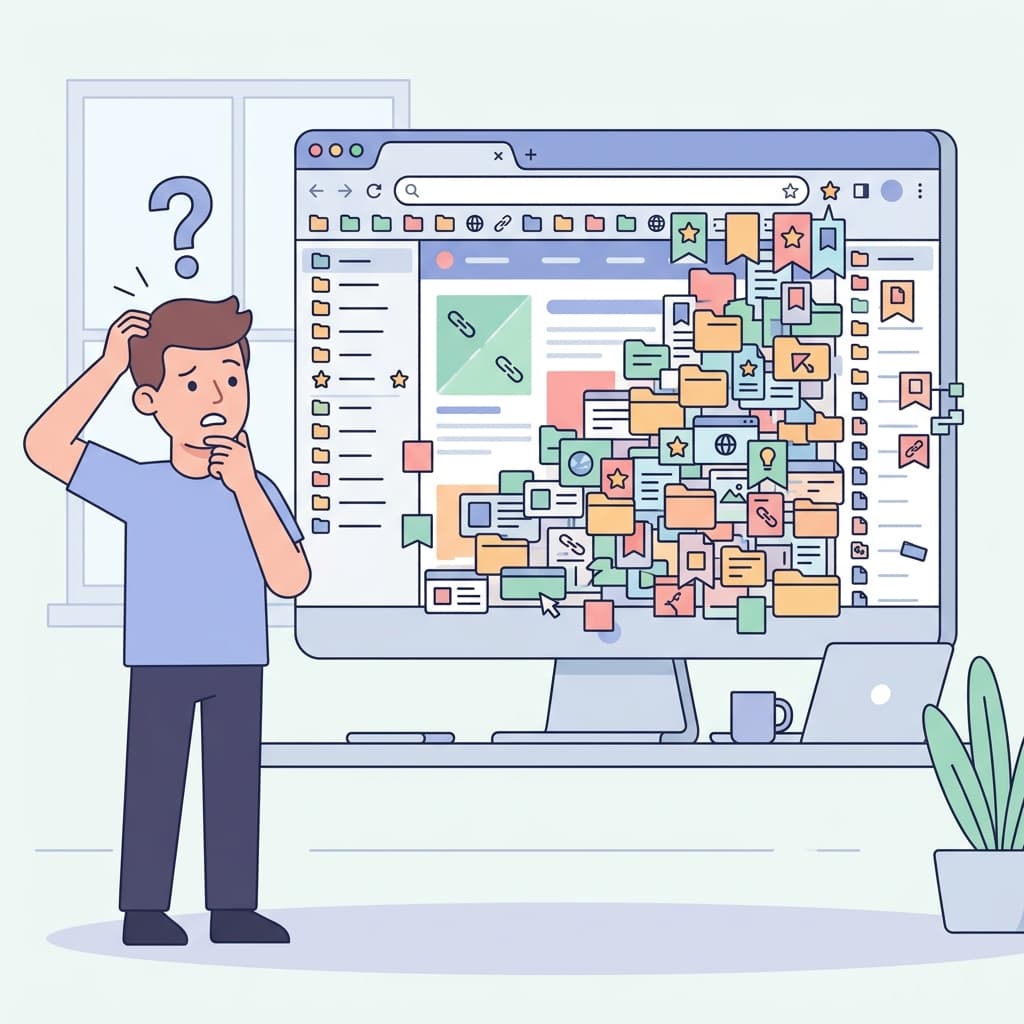
The Critical Need for a Centralized Knowledge Base
Whether you are a tenured academic researcher, a prolific digital content creator, or simply a deeply curious lifelong learner, you are constantly consuming massive amounts of information online. The modern internet is an incredible library, but if you don't have a reliable, systematic process to capture, organize, and quickly retrieve that scattered information, you are letting incredibly valuable knowledge slip right through your fingers. You are basically trying to hold water in your hands.
Building a personal research library is the only sustainable way to build a "second brain" that scales with your ambitions. It moves you from passively reading articles to actively building a compounding asset of knowledge.
Step 1: Choose a Robust Capture Tool
The absolute foundational pillar of any personal research library is the ability to easily, frictionlessly capture information directly from the web. You need a tool that operates exactly where you already do your reading: right inside the browser. This is where a dedicated extension becomes mandatory.
LinkGaze excels in this exact scenario. Unlike basic browser bookmarks (which we dismantle in our post Bookmarks Are Broken), LinkGaze allows you to capture URLs, automatically scrape vital metadata, and append your personal context instantly via a lightweight browser extension. If you are an active student building a thesis library, be sure to also review our 10 Browser Extensions Every Student Needs for complementary tools like citation managers.
Step 2: Add Context Immediately (The Golden Rule)
A raw, naked link is completely useless without context. When you inevitably stumble upon it six months later, you will have no idea why you saved it. Therefore, the unbreakable golden rule of building a personal library is to never, ever save a link without answering two critical questions:
- Why is this interesting or relevant to me? (e.g., "Great explanation of backpropagation algorithms.")
- How exactly might I use this in the future? (e.g., "Reference for Chapter 3 of my machine learning thesis.")
Adding a simple 1-2 sentence note transforms a static, dead bookmark into a living piece of actionable knowledge that you can actually use.
Step 3: Organize Fluidly with Tags, Not Rigid Hierarchies
Traditional folders force you to make impossible, limiting decisions. Does an incredibly detailed article on the ethics of AI in healthcare go in your "Artificial Intelligence" folder or your "Medical Ethics" folder? It belongs in both.
Tags allow you to create a fluid, highly interconnected web of knowledge. You can apply multiple tags to a single resource. Tag generously and descriptively. If you are struggling with what to tag, intelligent tools can help. To learn how we automate this, read How LinkGaze Uses AI to Understand Why You Saved a Page.
Step 4: Schedule Regular Maintenance
A library requires a librarian. Schedule just 15 minutes every Friday afternoon to quickly review your recent saves. Delete what is no longer relevant upon second glance, expand on your brief notes for the truly valuable flagship pieces, and ensure your tags are consistent. A well-maintained library becomes an invaluable, compounding asset over time.
Tired of losing important links?
Join thousands of researchers and professionals who use LinkGaze to save, organize, and understand their online reading.
Get started for free