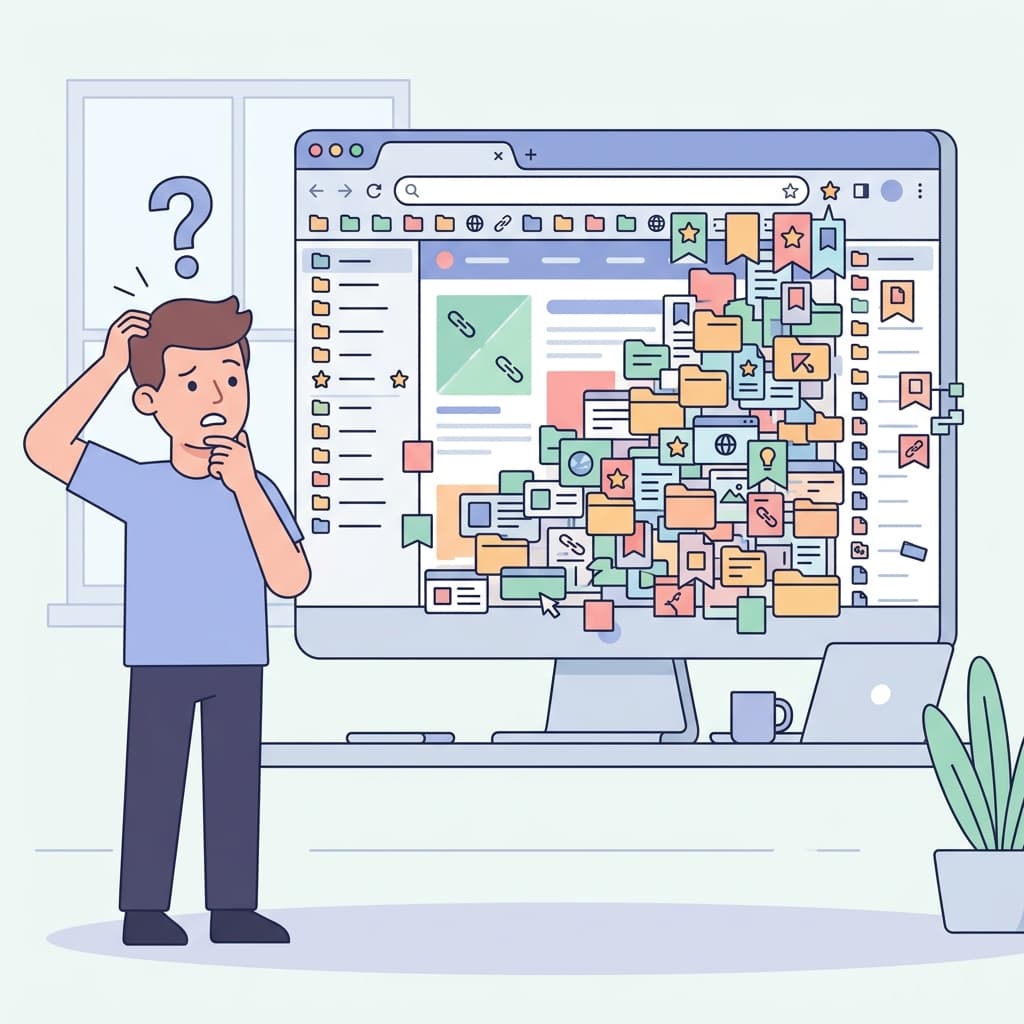
The Tab Overload Crisis
If your browser looks like a solid wall of tiny, unreadable icons, you are suffering from Tab Overload. As we discussed in The Problem with 47 Open Tabs, this habit drains your computer's RAM and your brain's cognitive bandwidth. Here are 5 strategies to fix it today.
1. Tab Groups (The Native Solution)
Both Chrome and Safari now support native Tab Groups. If you are researching a specific topic, group all related tabs together and label them (e.g., "Thesis Research"). You can collapse the group when you are not actively working on it, instantly cleaning up your visual workspace.
2. The "One Window Rule"
Never, ever open a second browser window. Force yourself to keep all tabs within a single window. The spatial constraint forces you to be more selective about what stays open.
3. The 5-Minute Processing Rule
When you open a link, skim it immediately. If it takes less than 5 minutes to read, read it right then and close the tab. If it takes longer, proceed to step 4.
4. Send to a Knowledge Hub
Do not use open tabs as a "Read Later" list. It is a terrible system. If you need a long-form article for future research, save it to a dedicated tool like LinkGaze. Once the AI summarizes it and saves the context, close the tab immediately. Trust your system.
5. The Friday Tab Bankruptcy
Set a recurring calendar event for 4:30 PM every Friday. Close every single open tab. No exceptions. If it was truly important, you would have already saved it to LinkGaze or acted upon it. Start Monday morning with a completely clean slate.
Tired of losing important links?
Join thousands of researchers and professionals who use LinkGaze to save, organize, and understand their online reading.
Get started for free