The Black Hole of Browser Bookmarks
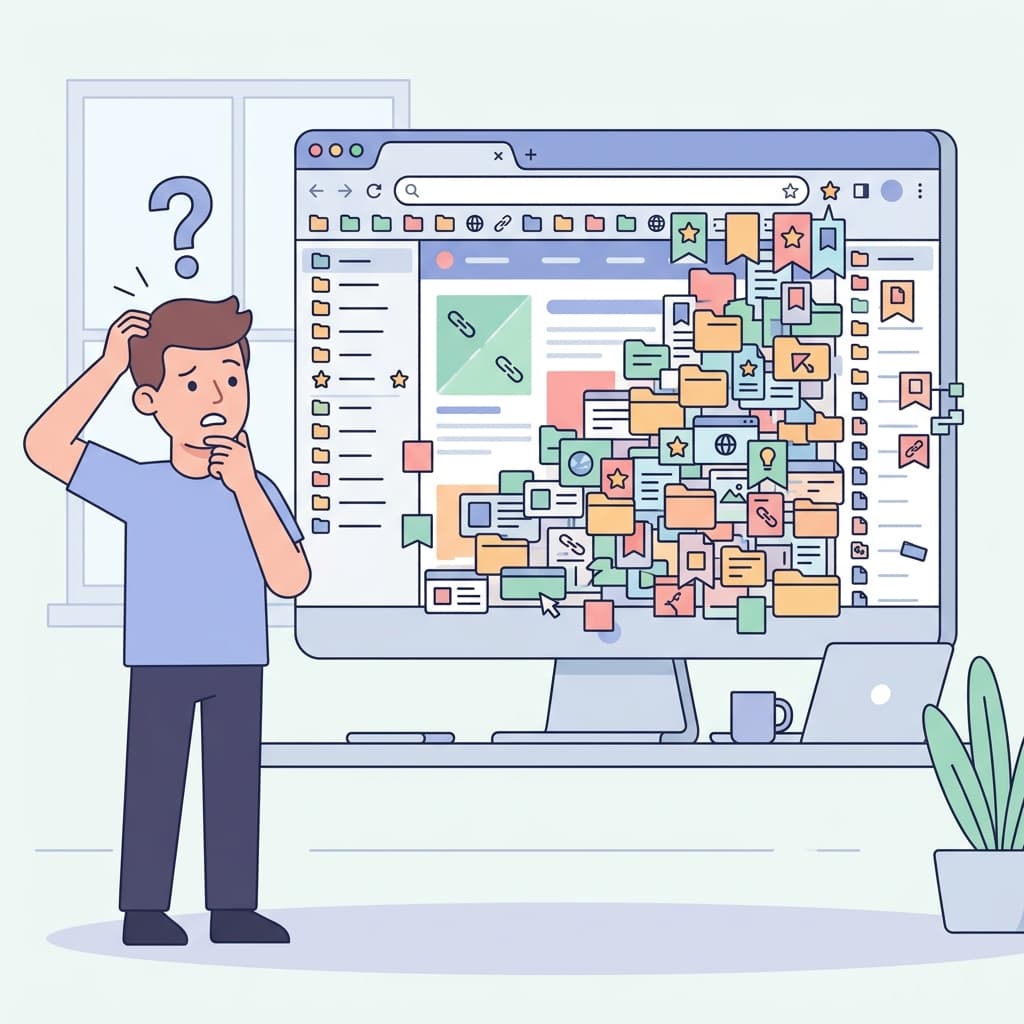
If you are like most knowledge workers, your Chrome or Safari bookmark bar is an absolute disaster. You have nested folders inside nested folders, generically named links, and dozens of dead URLs. When you are deep into online research, standard browser bookmarks are essentially a digital black hole.
Why Traditional Bookmarks Fail Modern Researchers
The core problem, as we outlined in our article Bookmarks Are Broken, is that browsers were designed to save destinations, not knowledge. A standard bookmark saves exactly two things: the page title and the URL. That is it.
- No Context: You have no idea why you saved it.
- No Highlights: You cannot highlight the specific paragraph that mattered.
- Dead Links: If the website goes down or changes its URL, your research is permanently gone.
The Shift to URL Intelligence
To stop losing your research, you must abandon the built-in browser tools and adopt a system built on URL Intelligence. This means capturing the full context of the page.
With a tool like LinkGaze, when you click save, you aren't just saving a link. The AI engine automatically scrapes the article, generates a readable summary, and prompts you to add your own personal tags and notes. You are building a searchable database, not a dusty filing cabinet. Reclaim your research today.
Tired of losing important links?
Join thousands of researchers and professionals who use LinkGaze to save, organize, and understand their online reading.
Get started for free